Professional Thermal Printing with USB Support and OCR Technology
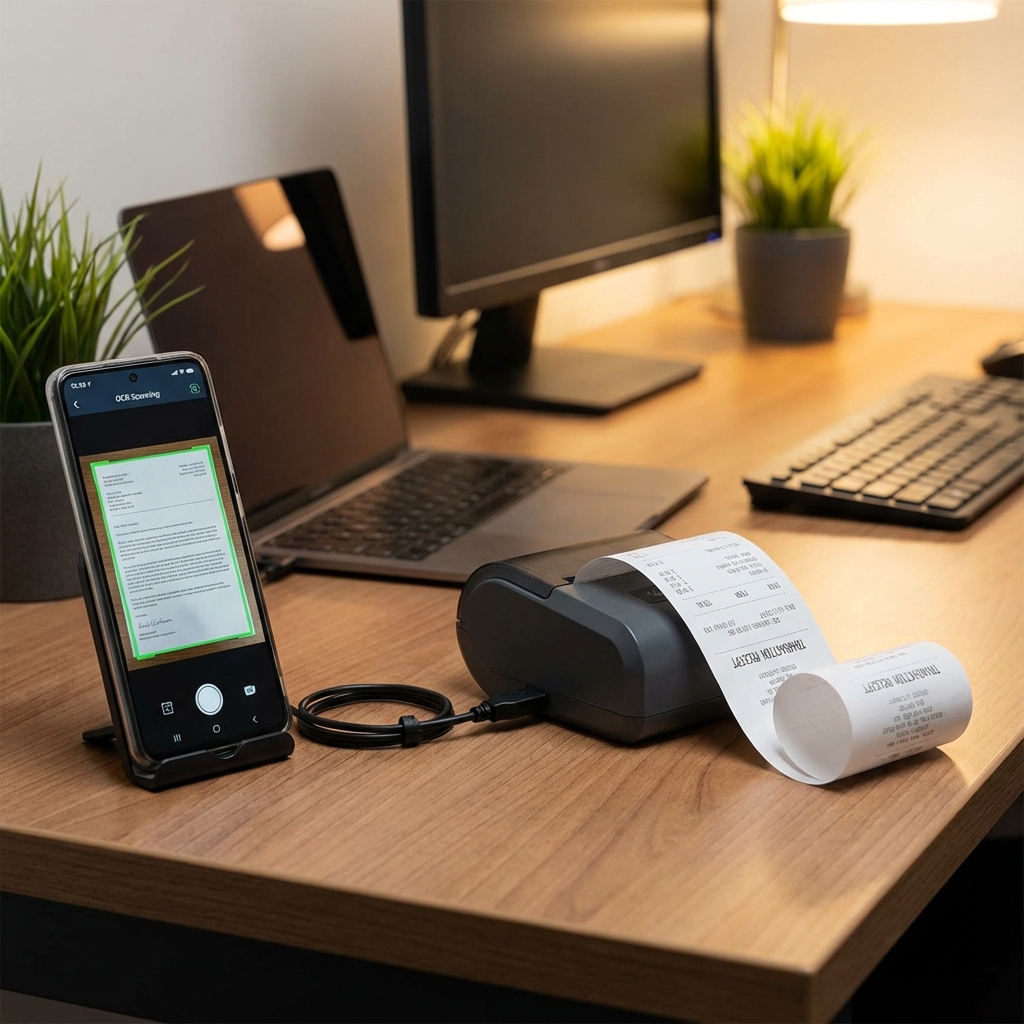
Explore how Bluetooth USB Printer Plus brings enterprise-grade features like PIN-protected file management, OCR, and system-level print service to mobile thermal printing.
While basic thermal printing apps serve simple needs, professional users require advanced features like secure file management, USB printer support, OCR capabilities, and sophisticated formatting options. Bluetooth USB Printer Plus delivers all this and more.
Secure File Management with PIN Protection
Unlike basic printer apps where everything is ephemeral, Bluetooth USB Printer Plus allows you to save printable files for reuse. More importantly, you can secure sensitive files with PIN protection, keeping hidden files inaccessible to unauthorized users. This is crucial for businesses handling confidential customer information or financial data.
Rich Text Formatting
The app provides advanced text formatting with bold, underline, and italic support, enabling structured and professional print layouts. This goes beyond simple text printing to create truly professional documents.
USB and Bluetooth Dual Support
A standout feature is direct USB thermal printer support. When a USB printer is detected, the app popup appears automatically, allowing you to select Bluetooth USB Printer Plus and start printing instantly. Full Bluetooth support is included as well, giving you maximum flexibility.
OCR: Convert Documents to Text
The OCR (Optical Character Recognition) feature converts PDF files or physical documents into editable text. Simply scan a document, extract the text content, and reuse it directly for printing. This is invaluable for digitizing paper records or quickly reprinting existing documents.
Advanced Placeholder System
The app distinguishes between static and dynamic placeholders. Static placeholders are auto-filled with values like company name, address, or GST number - same across all prints. Dynamic placeholders prompt the user before each print for values like customer name, amount, or order number. This flexibility streamlines repetitive printing while maintaining customization.
Multiple Content Types in One Print
You can include text, images, and QR codes in a single print job, mixing and matching content types freely. This is perfect for creating comprehensive receipts, invoices, or product labels.
AI-Assisted Templates and Canva Mode
Generate AI-based templates and use Canva mode for visual design directly on your mobile device. Customize and reuse templates for consistent, professional printing.
List Mode: Advanced Layout Builder
The List Mode editor is a powerful feature that lets you add multiple items in sequence - text, image, text, any combination. You can rearrange items easily and print the entire list as one formatted output. This is ideal for creating complex documents with mixed content.
Print Service Integration
The dedicated Print Service enables system-level printing from mobile browsers, PDF files, and images. This means you can print from any app on your device that supports the Android print framework.
Data Export and Backup
Export all saved files and inputs to transfer data to another device or installation. This ensures easy migration and backup, protecting your business data.
Professional Settings
Drag and add logos with placement control, choose from 7 date formats with auto-fill, and set the number of print copies. Every aspect is customizable for professional workflows.
Subscription Model
Monthly, yearly, or lifetime plans let users choose based on business needs, with full offline functionality for core features.
Conclusion
Bluetooth USB Printer Plus is designed for business users who need more than basic printing. With USB support, OCR, PIN-protected file management, advanced placeholders, and system-level print service integration, it's a comprehensive solution for retail shops, billing counters, warehouses, and offices.