The Mobile Text Editor Developers Have Been Waiting For
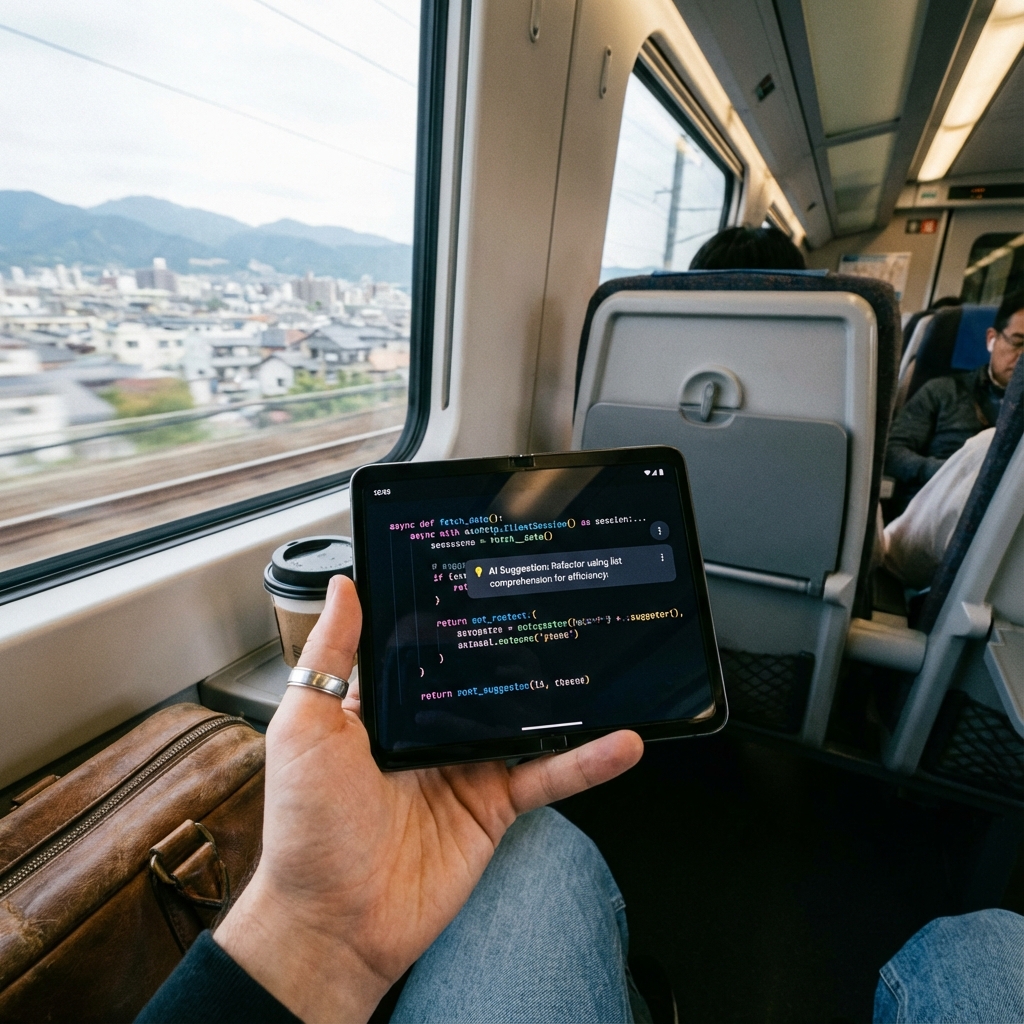
Simple Text Editor solves the problem of opening and editing programming files on Android with AI-powered tools for both text and code.
Android devices have a glaring gap: there's no reliable way to open and edit programming files like Java, Python, JSON, or XML. Simple Text Editor fills this void with a powerful yet lightweight solution that includes AI assistance for both text and code.
The Problem: No Programming File Support on Android
Most Android devices don't provide proper support for opening programming files, advanced editing features, or AI-assisted text and code handling. Developers, students, and technical professionals need a universal text editor with AI capabilities in a mobile-friendly interface.
Universal File Support
Open any text-based file including programming files (Java, Python, JSON, XML, etc.) and plain text documents. The app handles all common code file formats, making it a true universal editor.
AI-Powered Text Tools
The app includes advanced AI features for text: grammar checking, paraphrasing, text summarization, language translation, sentiment analysis, and special character generation. These tools improve productivity for content writers and professionals.
AI Coding Tools
For developers, the app provides intelligent code comparison, auto-formatting, natural language processing for code understanding, code example explanations, JSON structure validation, and code compilation support (where applicable).
Advanced Editing Features
Create, open, edit, and save files with full copy & paste support, undo & redo actions, and find & replace functionality. View file details and lock files in read-only mode to prevent accidental edits.
Text Formatting and Styling
Add bullet points and numbered lists, select text colors for editor-level styling. Importantly, color changes don't affect the original file content - they're just for visual clarity in the editor.
Recent Files History
Easily access recently opened files from history, making it simple to pick up where you left off. This is essential for developers working on multiple files.
Read-Only Lock Mode
Lock files in read-only mode to prevent accidental edits. Perfect for reviewing code or documents safely without the risk of unintended changes.
File Export and Sharing
Convert files to PDF or text format, share files directly from the app, and print text files using connected printers. This makes it easy to share code reviews or documentation.
Printing Support
Direct printing from the editor is useful for code reviews, documentation, notes, and drafts. Print to any connected printer from your mobile device.
Offline Capability
Core editor functions work fully offline. AI features require an internet connection, but basic editing, saving, and file management work anywhere.
Privacy First
Files are stored locally on the device with no forced cloud sync and no data collection without user interaction. Your code and documents remain private.
Developer-Friendly Design
Designed specifically for mobile code editing, the app is perfect for reviewing programming files on the go, editing code while traveling, or making quick fixes without a laptop.
Use Cases
Ideal for editing code while traveling, reviewing programming files on mobile, writing and refining content, quick AI-based text improvements, and reading files securely without accidental edits.
Conclusion
Simple Text Editor bridges the gap between mobile convenience and professional text/code editing. With AI tools for both text and code, universal file support, and developer-friendly features, it's an essential tool for anyone working with text or programming files on Android.