 Digital Signage for Android TV
PlayAnyTV
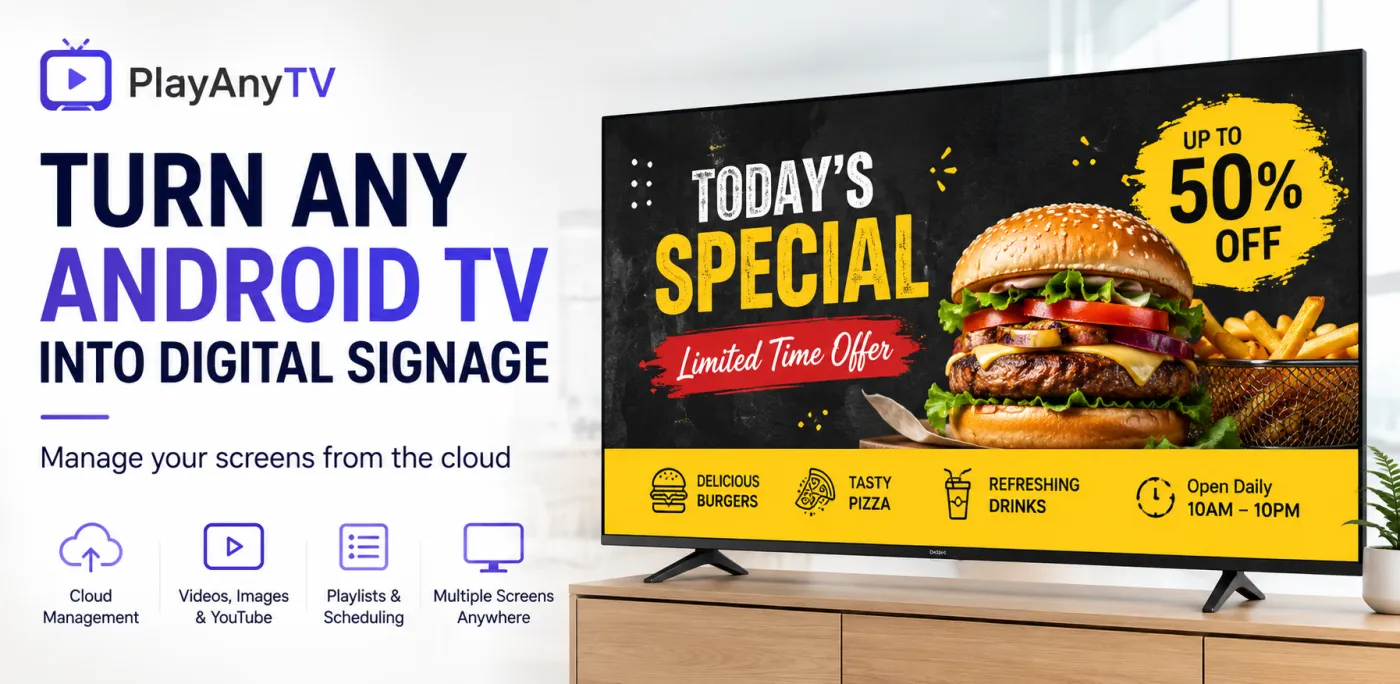
Cloud-managed digital signage for Android TV. Build playlists of videos, images, and YouTube content in the web dashboard, pair each TV with an on-screen code, and control unlimited screens remotely — for retail, restaurants, hotels, offices, and schools.
Full guides & support: playanytv.techpuram.com
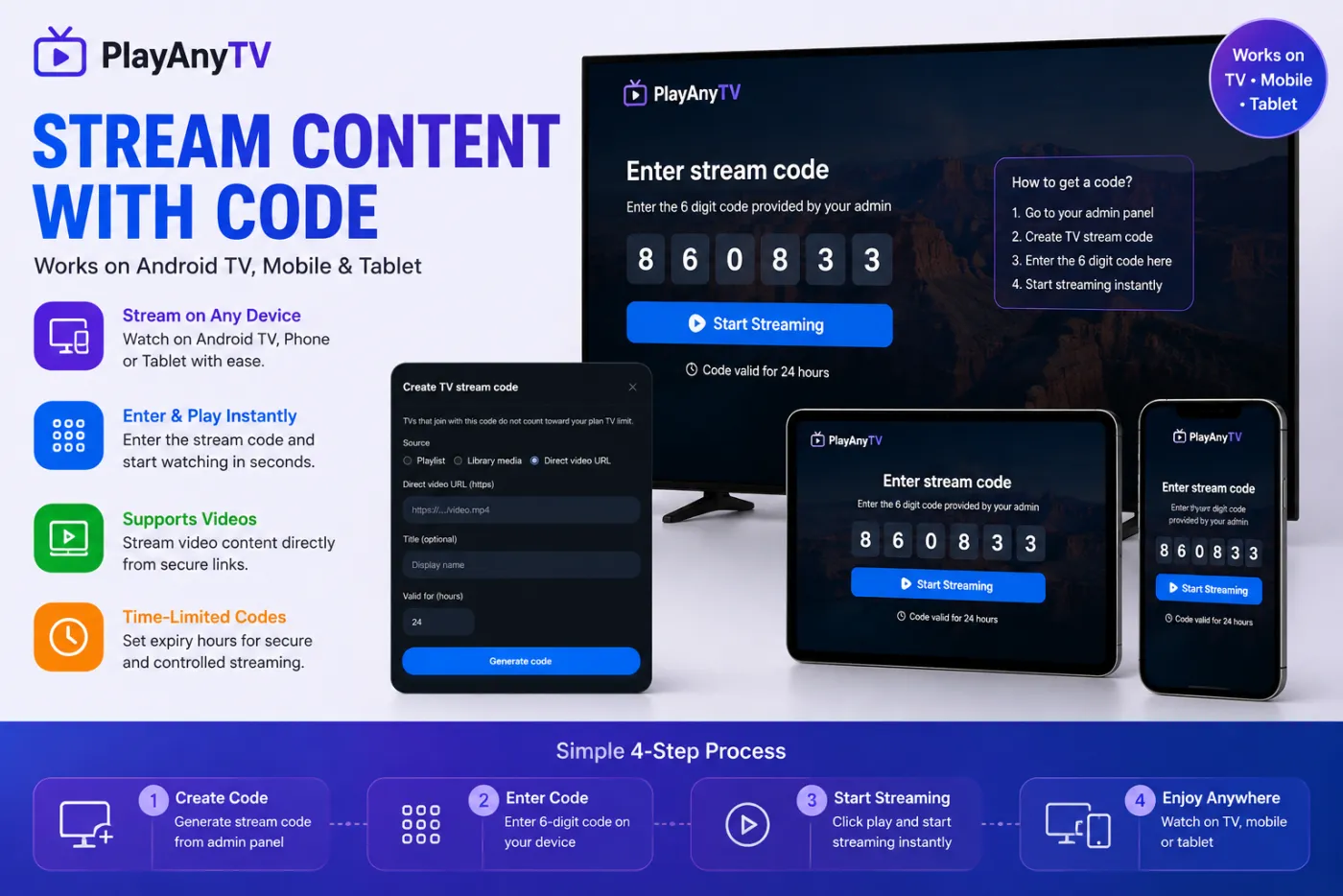
See PlayAnyTV in Action
Real screens from the app and cloud dashboard — pairing, playlists, remote control, and portrait mode.
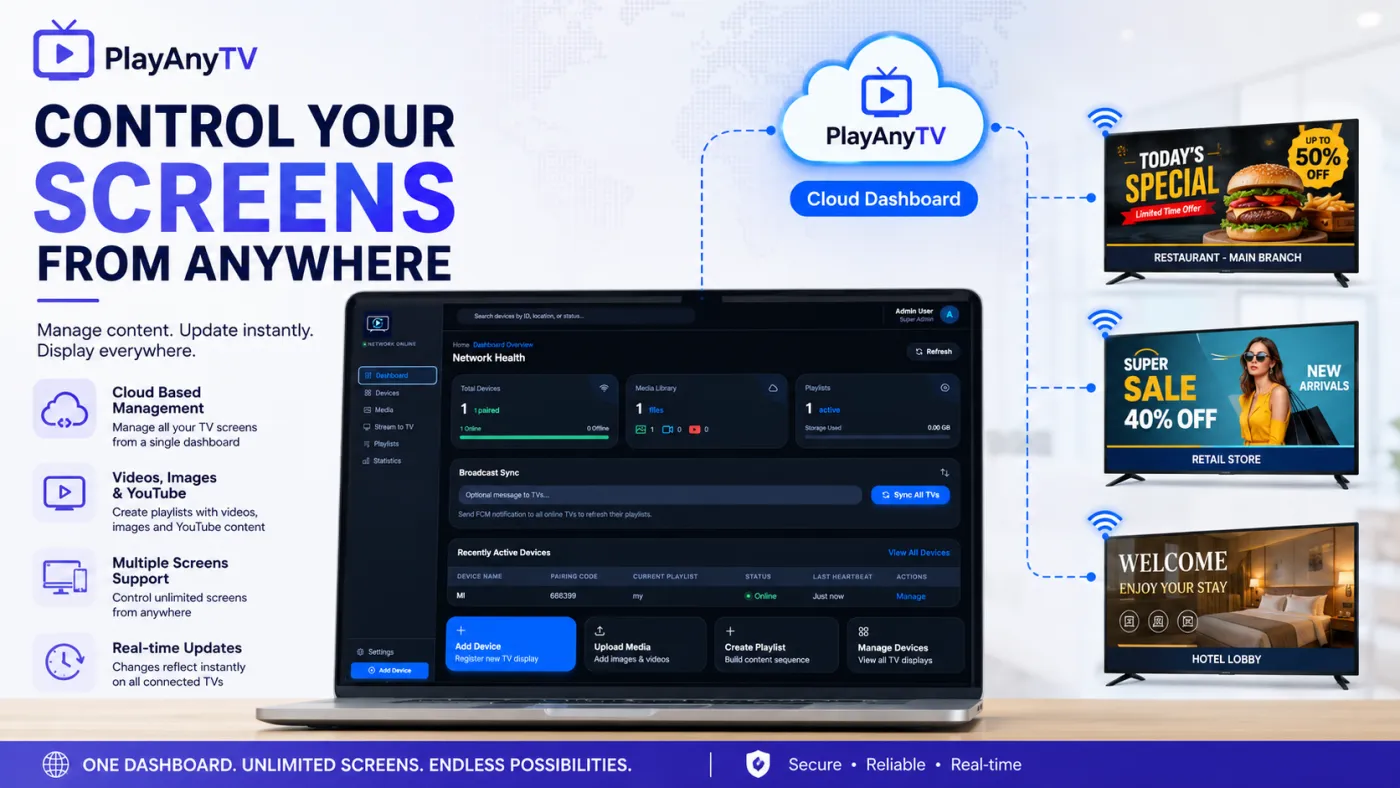
One Dashboard, Every Screen
Manage content, pairing, and playback across unlimited Android TV displays from a single cloud dashboard.
Cloud-Based Dashboard
Manage every TV screen, media file, and playlist from a single web dashboard — update content remotely, no on-site visits needed.
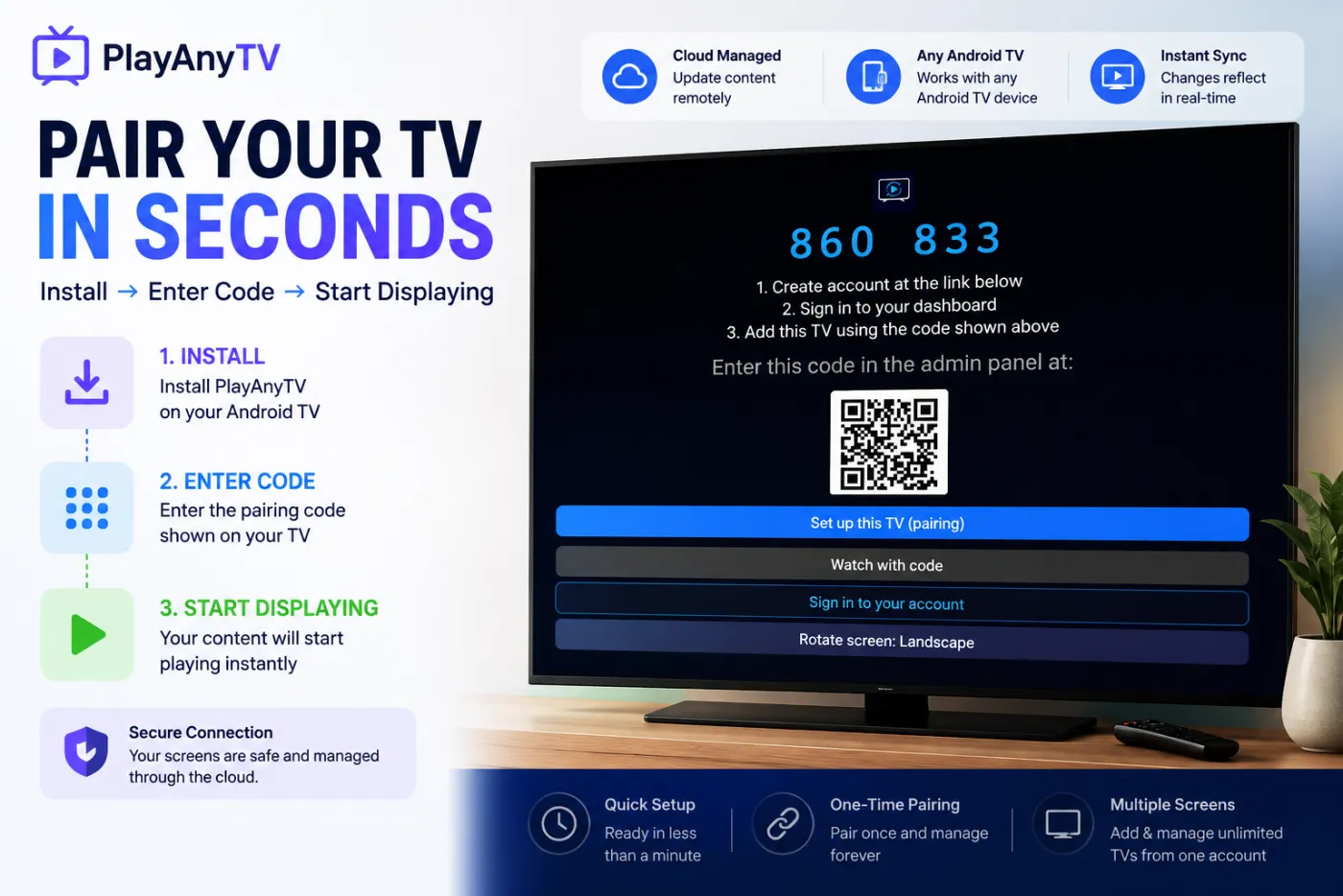
Pair a TV in Seconds
Install the app on your Android TV, enter the on-screen pairing code in your dashboard, and start displaying — no technical setup required.
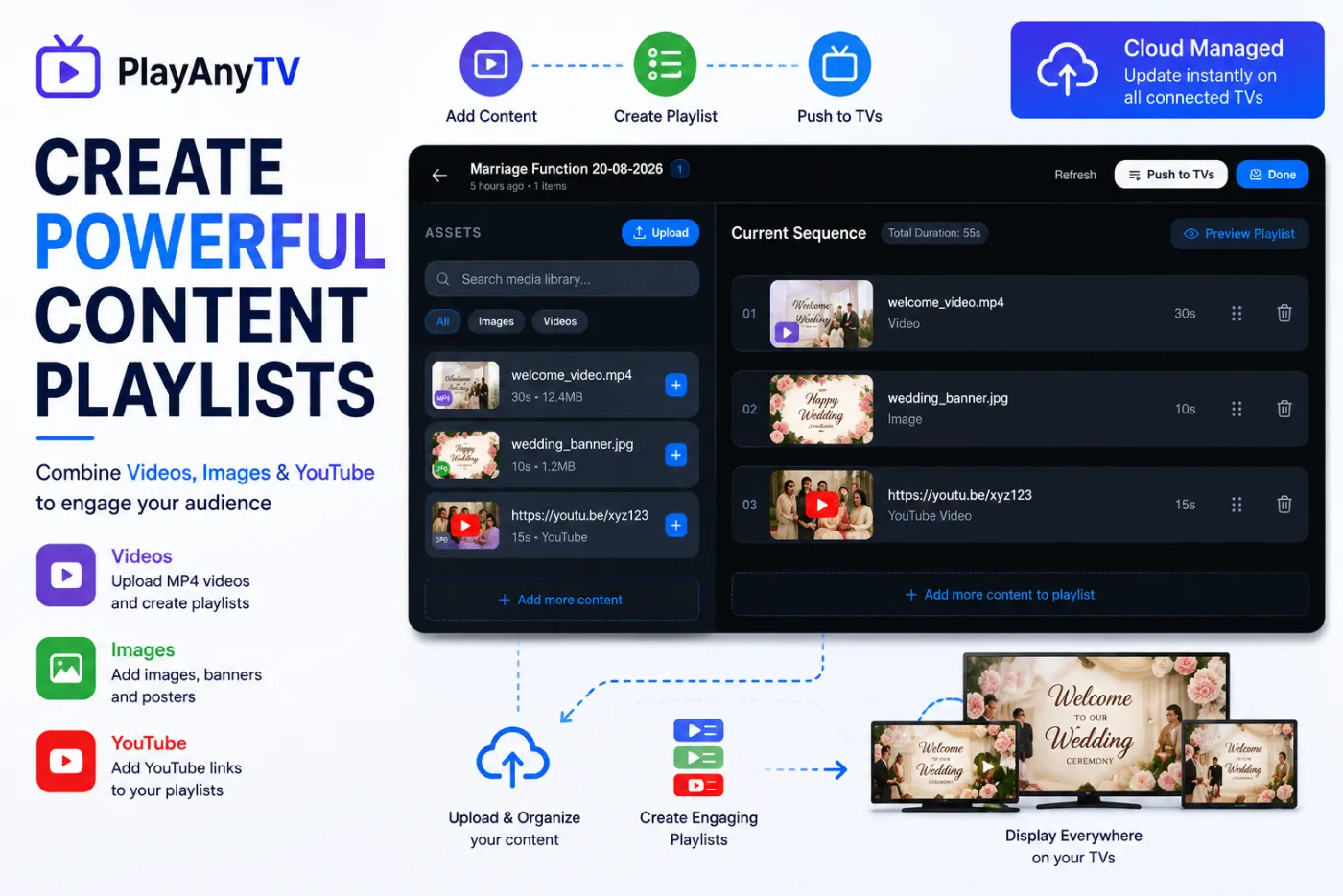
Videos, Images & YouTube
Build playlists that combine uploaded videos, images, and YouTube links into one sequenced loop.
Time-Limited Stream Codes
Generate a 6-digit code from a direct video URL, playlist, or library media, with a set expiry — stream instantly on TV, tablet, or phone without pairing a device.
Multiple Screens, One Dashboard
Add and manage unlimited TV displays across stores, offices, and venues from one account.
Real-Time Sync
Push playlist and configuration changes to every connected TV instantly, or broadcast a sync message to refresh them all at once.
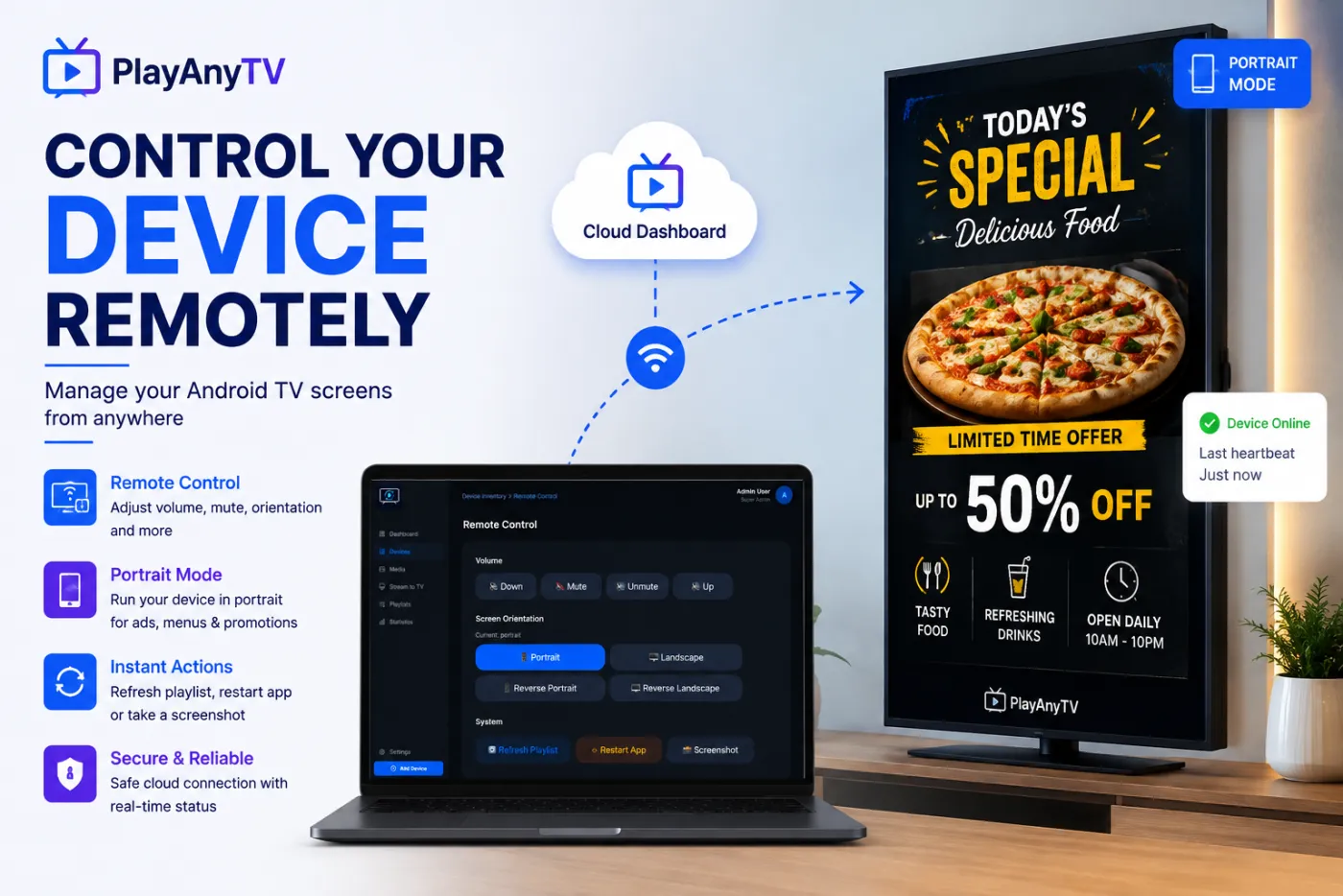
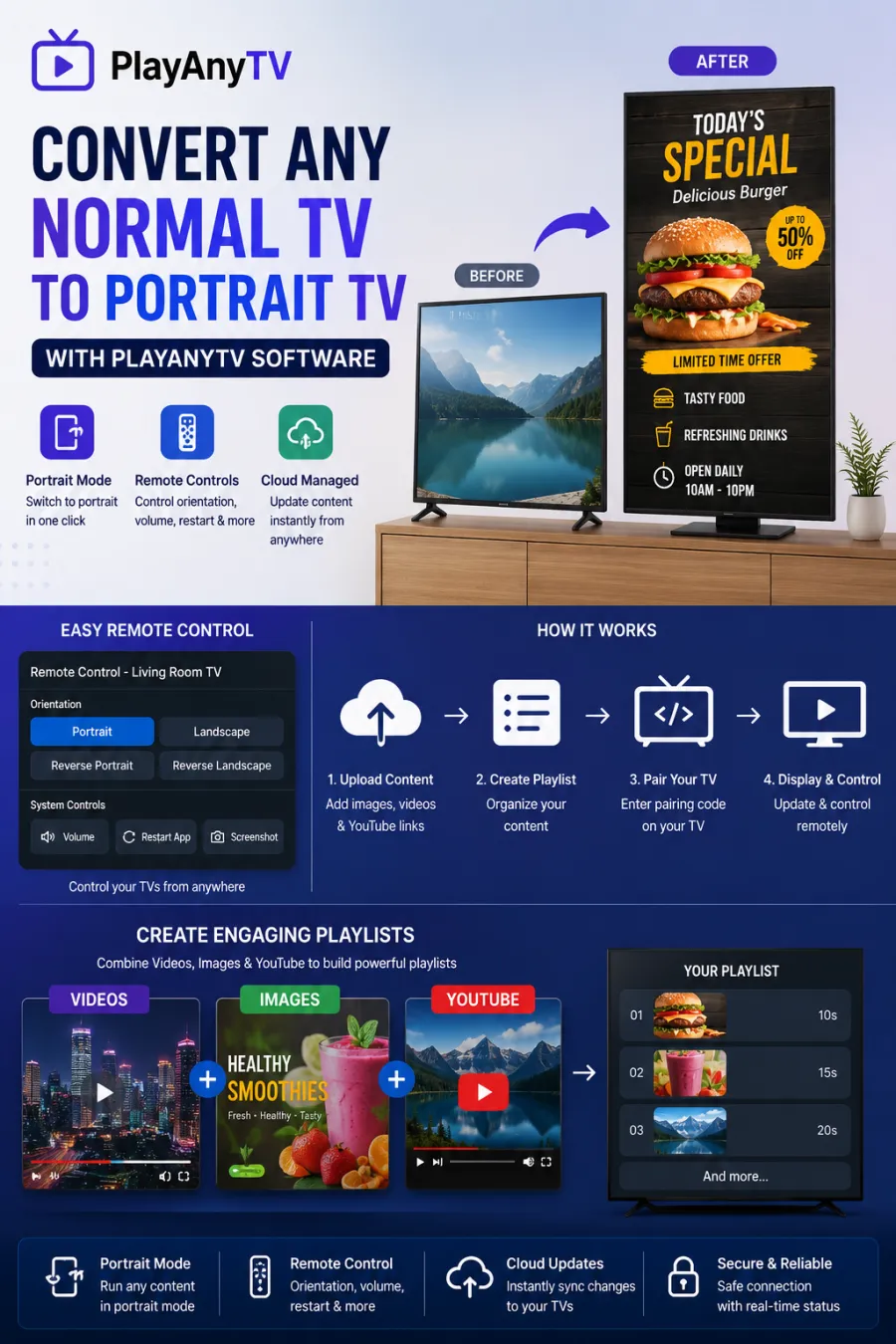
Portrait & Landscape Modes
Switch any connected Android TV between portrait, landscape, reverse portrait, and reverse landscape remotely — turn a normal TV into portrait signage.
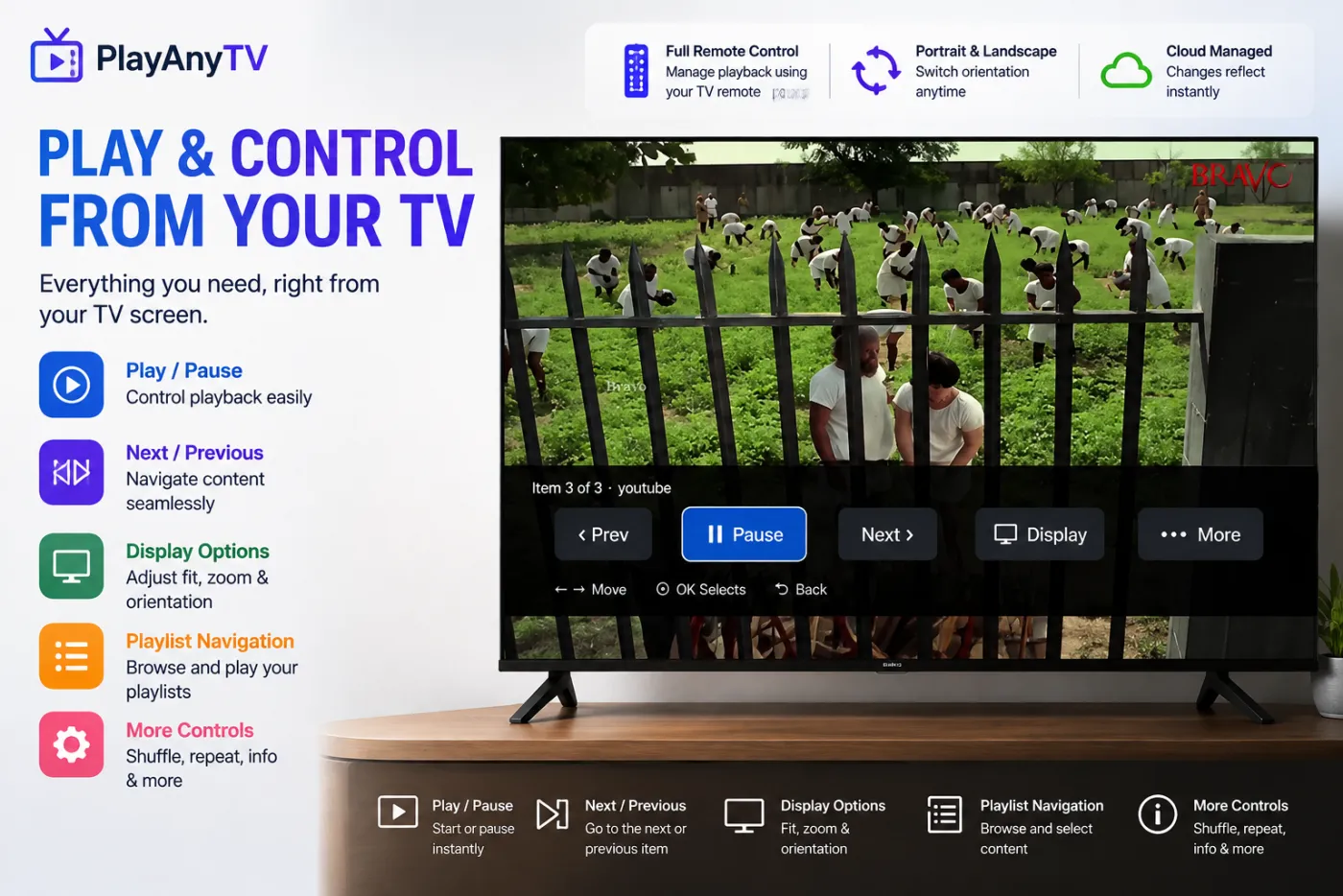
Full Remote Control
Play, pause, skip, adjust volume, refresh the playlist, restart the app, or take a screenshot of any TV — all from the dashboard.
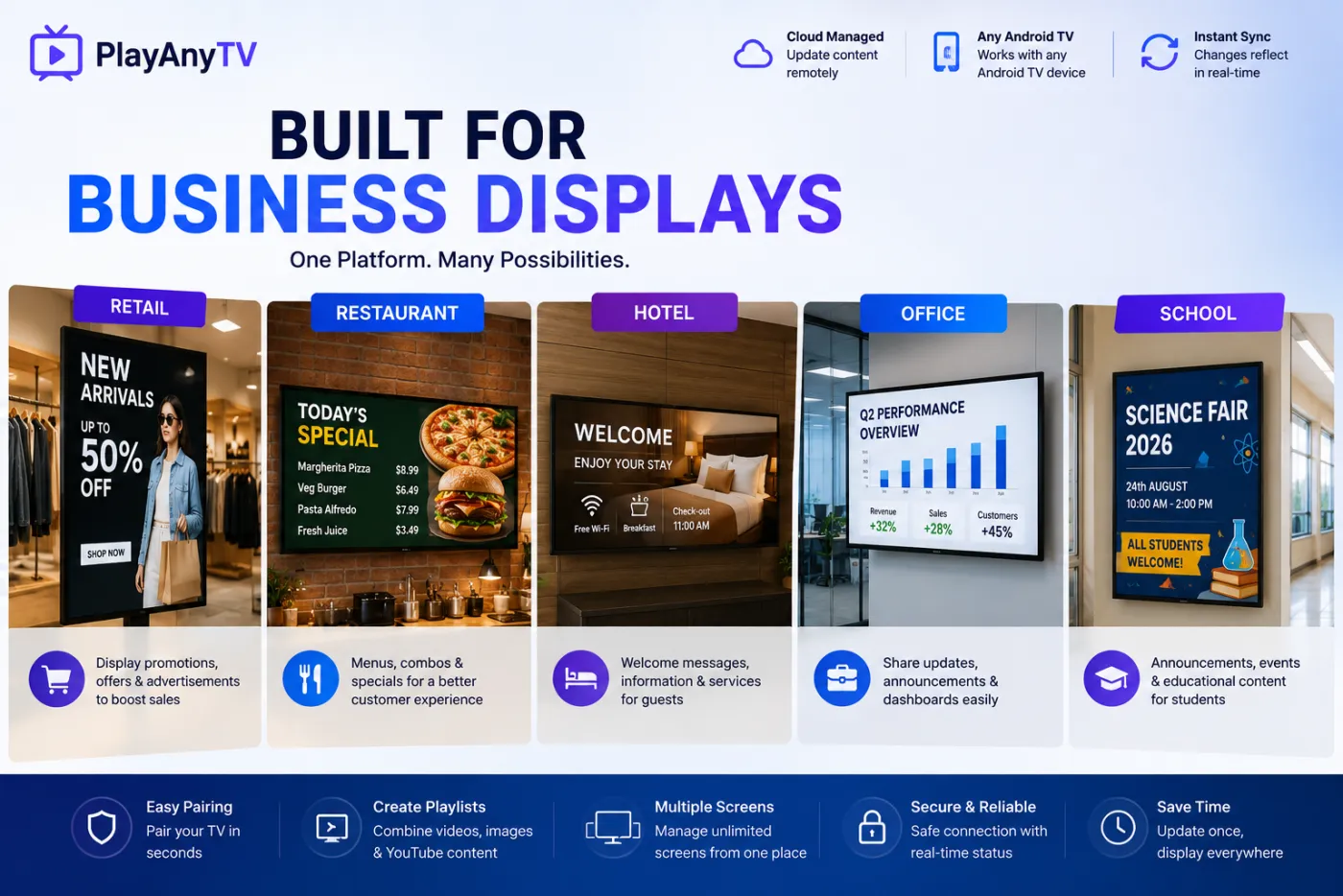
Built for Business Displays
Retail promotions, restaurant menus, hotel welcome screens, office dashboards, and school announcements — one platform for every display.
Playlist Builder
Combine videos, images, and YouTube content into an ordered sequence with custom durations per item.
YouTube Integration
Add YouTube links directly into a playlist alongside your own uploaded media — no downloading required.
Secure & Reliable
Safe cloud connection with real-time device status, so you always know which screens are online.
PlayAnyTV Highlights
Cloud digital signage for Android TV — manage content, playlists, and unlimited screens from one web dashboard.
Simple TV pairing — install the app, enter the on-screen code, and start displaying in seconds.
Mixed content playlists — combine uploaded videos, images, and YouTube links into one sequenced loop.
Time-limited stream codes — generate a 6-digit code from a direct video URL with a set expiry, no pairing required.
Portrait and landscape mode switching — convert any Android TV into portrait signage remotely.
Full remote control — play/pause, volume, orientation, refresh, restart, and screenshot from the dashboard.
Built for retail, restaurants, hotels, offices, and schools — one platform for promotions, menus, welcome screens, and announcements.
Real-time sync — content and configuration updates reflect on connected TVs instantly.
Frequently Asked Questions
How does PlayAnyTV work?
Create your organization and upload media at playanytv.techpuram.com, install the PlayAnyTV app on your Android TV, then pair the TV using the on-screen code and assign it a playlist from the dashboard. Updates sync automatically whenever the TV is online.
What content can I display?
Mixed playlists of uploaded images, uploaded video, and YouTube links — combined and sequenced in the web dashboard, then pushed to any paired TV.
Can I convert a normal landscape TV into portrait mode signage?
Yes. Switch a connected Android TV between portrait, landscape, reverse portrait, and reverse landscape from the remote control panel in the dashboard.
How many screens can I manage?
Manage multiple screens from a single dashboard — pair and manage as many TVs as your plan allows, and push content updates to all of them at once.
Does PlayAnyTV work without an internet connection?
An internet connection is required for pairing, syncing playlists, and receiving configuration updates. Offline playback behavior depends on what content has already been downloaded to the device.
Who is PlayAnyTV built for?
Teams that need reliable Android TV signage without sideloading a generic browser — retail stores, restaurants, hotels, offices, and schools that want a consistent, remotely managed loop of approved content.
Can I generate a temporary stream code for a single video?
Yes. Create a time-limited stream code from a direct video URL, playlist, or library media — set an expiry in hours, and anyone with the code can stream it on TV, tablet, or mobile until it expires.
How do I delete my account and data?
Visit playanytv.techpuram.com/delete-account to delete your account and associated data.