 SwiftWrite
Simple Text Editor
Powerful yet lightweight text editor for Android. Open any programming file (Java, Python, JSON, XML) or text document. AI document chat, natural language to code, code completion, grammar and tone tools, Google Drive sync, export, and printing. Perfect for developers, students, and professionals.
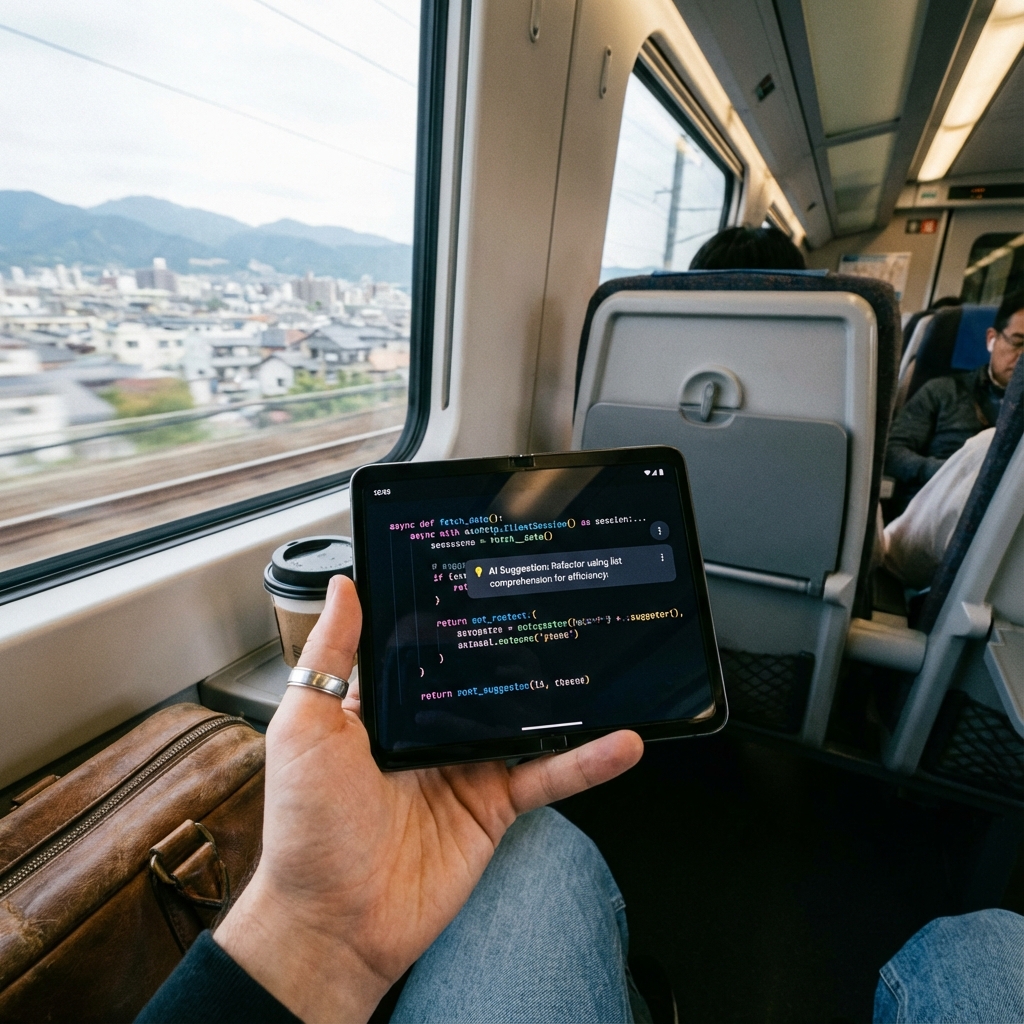
One Editor, Text and Code Both Covered
From AI writing help to compiling a code snippet, everything runs directly on your phone — no laptop, no switching apps.
Universal File Support
Open any text-based file including programming files (Java, Python, JSON, XML, etc.) and plain text documents — no conversion needed.
AI Document Chat
Chat with your open document to ask questions, pull out details, or get a quick summary without leaving the editor.
Grammar, Tone & Paraphrasing
AI-powered grammar checking, tone rewriting, and paraphrasing to polish any piece of writing.
Summarization & Sentiment Analysis
Condense long text into key points and analyze the tone or sentiment of any passage.
Language Translation
Translate text between languages directly inside the editor.
Action Item Extractor
Automatically pull to-dos and action items out of notes, meeting transcripts, or documents.
Natural Language to Code
Describe what you want in plain English and generate working code instantly.
AI Code Completion
Context-aware code suggestions as you type, for faster and more accurate coding on mobile.
Code Compiler
Compile and run code snippets directly on your device.
Code Explain & Auto-Format
AI explains unfamiliar code line-by-line and auto-formats syntax for readability.
JSON Validator
Instantly validate JSON structure and catch syntax errors before they break your app.
Google Drive Sync
Back up and sync your files with Google Drive so nothing is ever lost.
Dark Mode & Custom Themes
Switch between Dark Mode and Light Mode, plus custom background and text colors — purely visual, doesn't touch the original file.
Built-in To-Do List
Track tasks alongside your notes and code without switching to a separate to-do app.
Advanced Editing & Recent Files
Undo/redo, find & replace, a read-only lock mode to prevent accidental edits, and quick access to recently opened files.
Export, Share, Print & Offline Privacy
Export to PDF, share directly, or print via a connected printer. Core editing works fully offline with files stored locally — no forced cloud sync.
Beyond a Default Notes App
Most phones ship with a basic notes app that can barely display a code file, let alone help you edit one. Here's what changes with Simple Text Editor.
| Capability | Default Notes App | Simple Text Editor |
|---|---|---|
| Open Java, Python, JSON & XML files directly | ||
| AI document chat & summarization | ||
| Natural language to code generation | ||
| AI code completion, compiler & JSON validator | ||
| Grammar, tone & translation tools | ||
| Google Drive backup & sync | ||
| Dark mode & built-in to-do list | ||
| Read-only lock mode for safe reviewing | ||
| Works fully offline for core editing |
Simple Text Editor Highlights
Universal text editor for Android - open any programming file (Java, Python, JSON, XML) and text documents on mobile.
AI document chat - ask questions about, or get a summary of, any open document without leaving the editor.
AI-powered text tools - grammar checking, tone rewriting, paraphrasing, summarization, sentiment analysis, translation, and action item extraction.
AI coding tools - natural language to code generation, context-aware code completion, code compiler, code explanation, auto-formatting, and JSON validation.
Google Drive sync - back up and sync files automatically so nothing is ever lost.
Advanced editing features - create, edit, save, copy & paste, undo & redo, find & replace, and read-only lock mode.
Dark Mode and custom themes with background and text color selection (editor-level, doesn't affect original file).
Built-in to-do list to track tasks alongside your notes and code.
File export & sharing - convert to PDF/text, share directly, and print using connected printers.
Recent files history for quick access to previously opened files and easy workflow continuation.
Offline capable - core editor works offline, AI features require internet only.
Frequently Asked Questions
Is Simple Text Editor free to download?
Yes. Simple Text Editor (SwiftWrite) is free to download on Google Play for Android. No account is required for core file editing.
What file types can it open?
It opens any text-based file — including Java, Python, JSON, XML, and plain text documents — directly, with no conversion needed first.
Do the AI features work offline?
No. Core editing, saving, and file management work fully offline, but AI tools like Document Chat, Natural Language to Code, and Grammar Check need an internet connection.
Does it back up files to the cloud?
Optionally, yes. Google Drive Sync backs up your files to your own Google Drive account in the background. It isn't required — everything also works with files stored locally on your device.
Can I edit code files without a laptop?
Yes. Simple Text Editor is built for exactly this — opening, editing, and getting AI help with Java, Python, JSON, and XML files directly on your phone, including code completion, an on-device compiler, and a JSON validator.
Does changing the editor's text color affect the original file?
No. Custom background and text colors are editor-level only, purely visual, and never change the original file's content or formatting.
Does Simple Text Editor have a dark mode?
Yes. Switch between Dark Mode and Light Mode from the editor's theme settings, along with custom background and text colors.
Can I track to-do items inside the app?
Yes. Simple Text Editor includes a built-in to-do list so you can track tasks alongside your notes and code without switching to a separate app.