
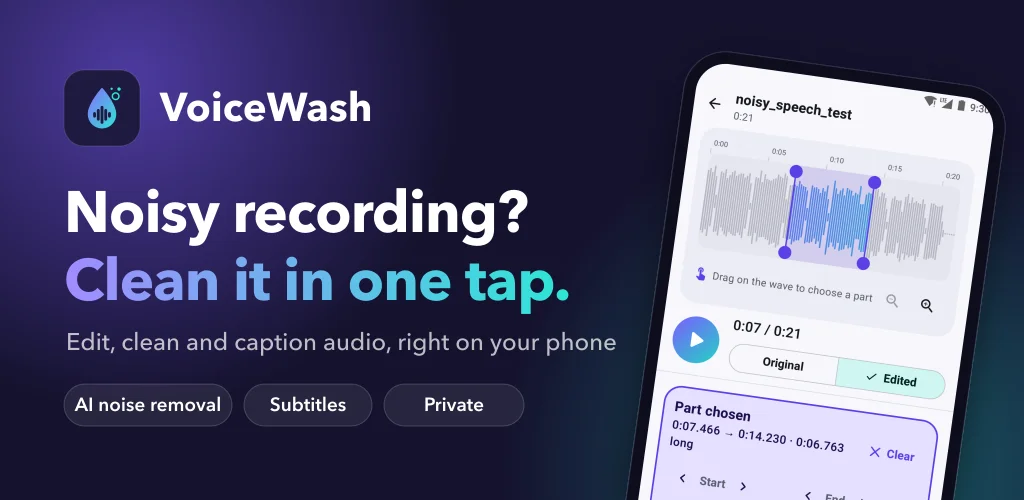
Watch how VoiceWash works
See VoiceWash remove background noise in one tap, edit audio, make subtitles and save as MP3, M4A, WAV or video.
See VoiceWash in Action
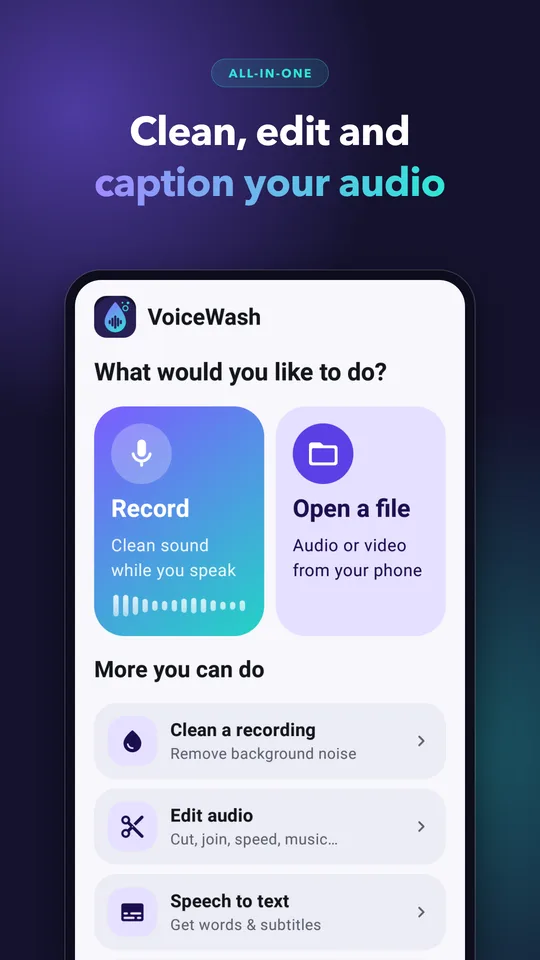
Clean audio, made simple
Big buttons and plain words, made to be easy for everyone.
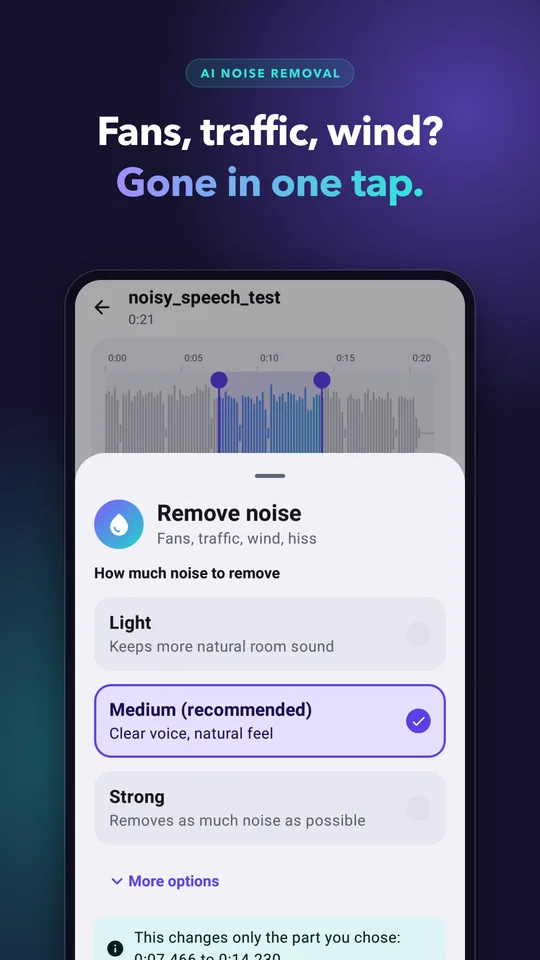
One-Tap Noise Removal
Remove fans, traffic, wind and hiss. Clean the whole file or only the part you choose.
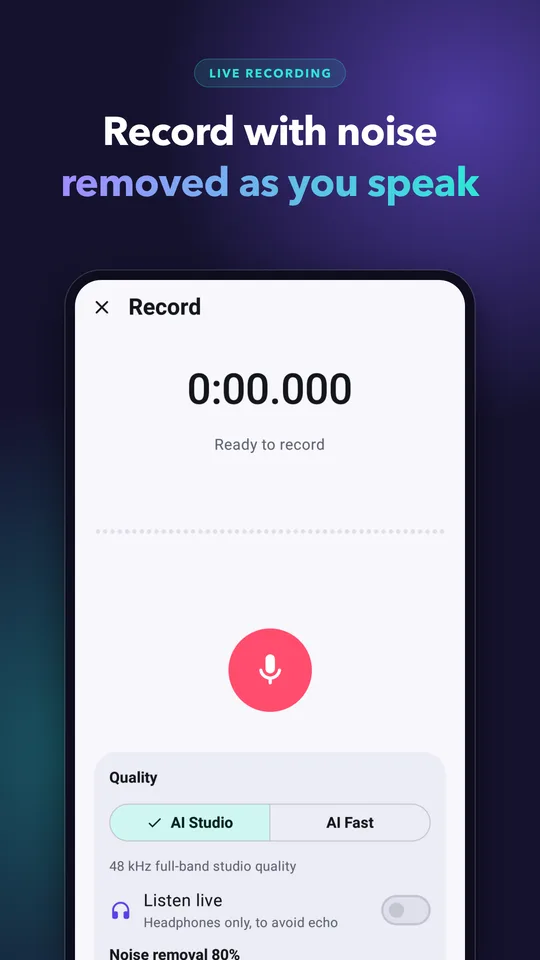
Two AI Cleaners
AI Studio for the best quality, AI Fast for older phones.
Record Clean Audio
Record with noise removal switched on, even with the screen off.
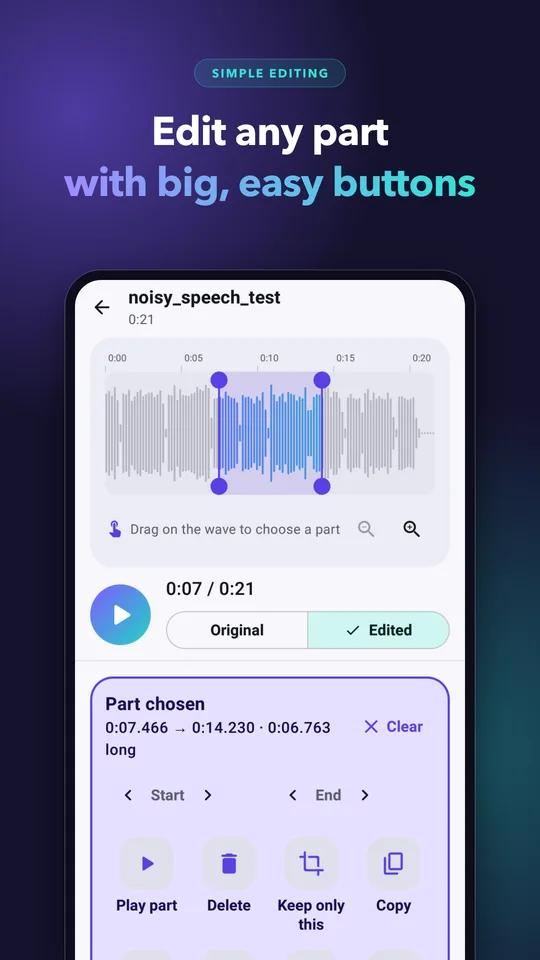
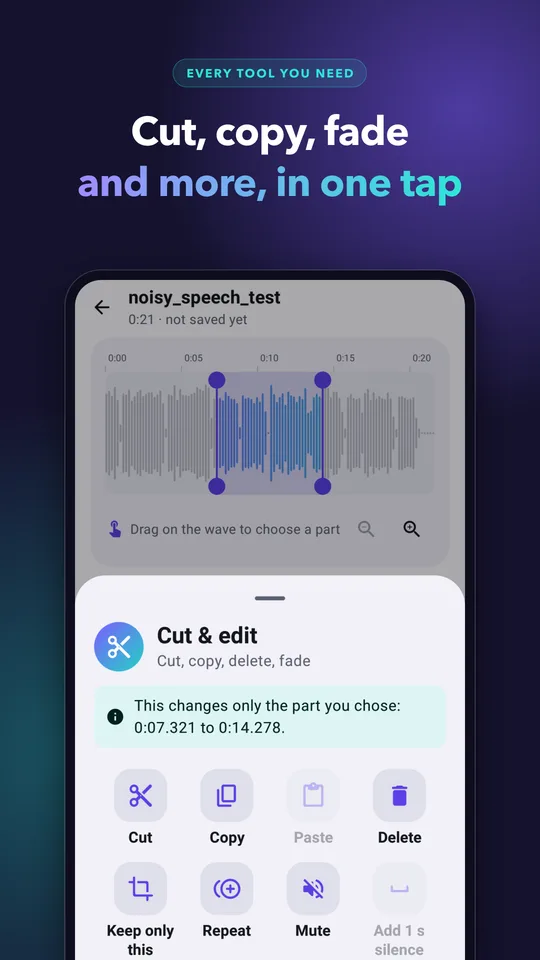
Easy Editor
Big buttons and plain words. Delete, keep only, copy, paste, repeat, mute, fade or reverse any part, with undo and redo.
Volume, Speed & Pitch
Shorten long pauses, even out the volume, and change loudness, speed or pitch.
Effects & Music
Add echo and room effects, or background music that dips under your voice.
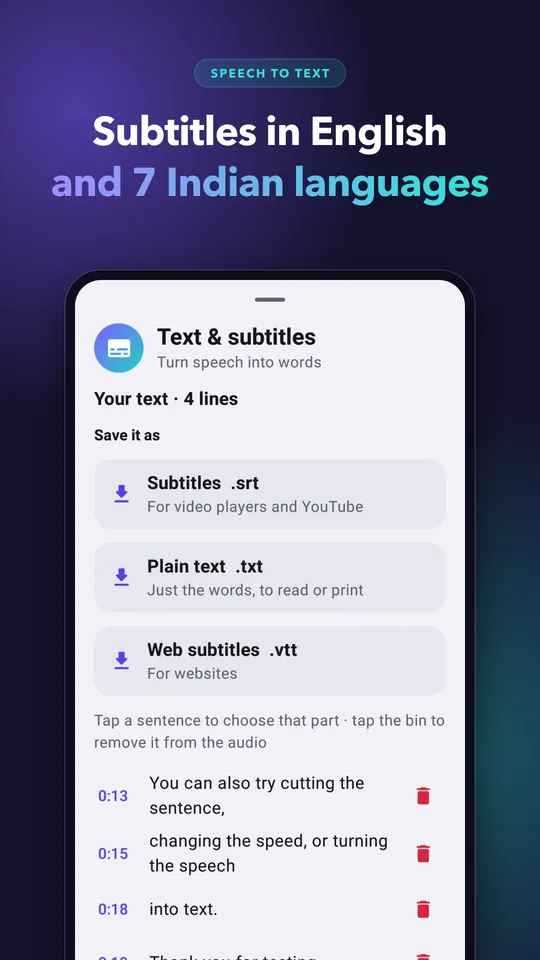
Subtitles
Turn speech into .srt, .vtt or .txt in English and 7 Indian languages, and see who is speaking.
Translation
Translate subtitles into 14 languages, including Hindi, Tamil, Telugu, Kannada, Arabic, Spanish and French.
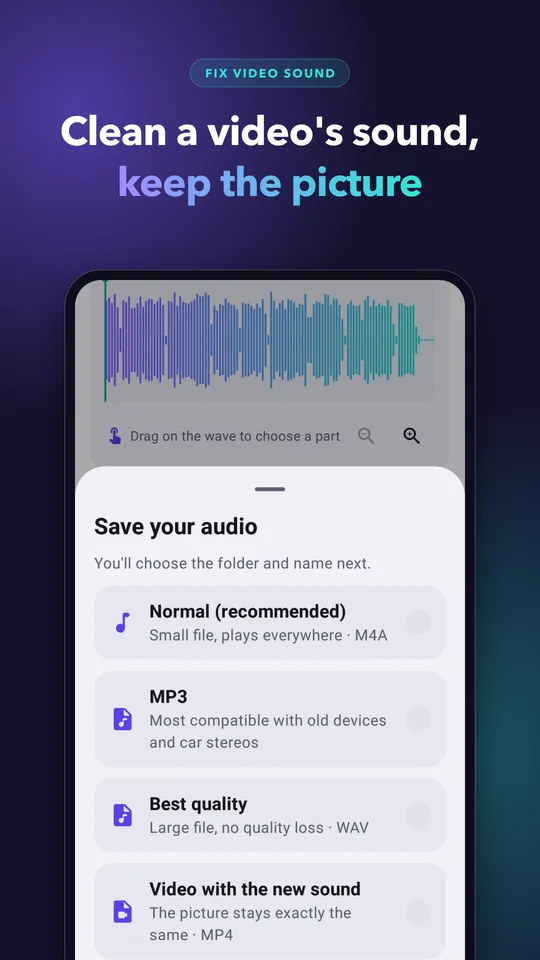
Fix a Video's Sound
Clean a video's audio and save it as a new video — the picture stays exactly the same. Or pull the audio out of any video.
Batch Cleaning
Clean many files at once.
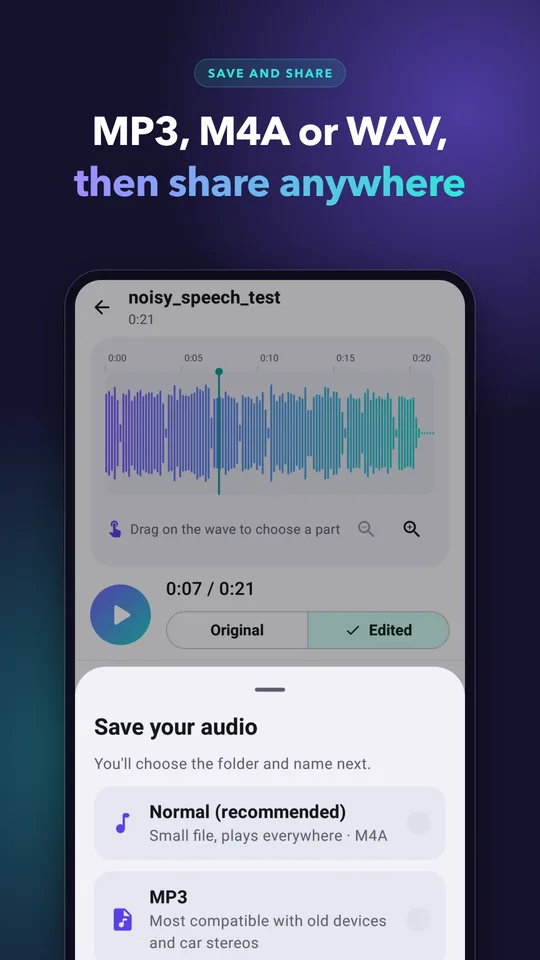
Save & Share
Save as MP3, M4A, WAV or video, and share straight to WhatsApp and email.
Private by Design
Noise removal, editing, speech-to-text and translation all run on your phone. Recordings are never uploaded.
VoiceWash Highlights
Background noise remover app for voice notes, interviews, lectures, podcasts, online classes and videos.
AI noise removal on your phone — two cleaners, AI Studio and AI Fast, with no upload to a server.
Speech to text and subtitles in English, Hindi, Tamil, Telugu, Bengali, Marathi, Gujarati and Urdu.
Video sound cleaning — fix a video's audio without changing the picture.
Free — VoiceWash shows small banner ads.
Frequently Asked Questions
Is VoiceWash free?
Yes. VoiceWash is free and shows small banner ads.
Are my recordings uploaded?
No. Noise removal, editing, speech-to-text and translation all happen on your phone. AI Studio, speech-to-text and each translation language download once the first time you use them; after that they work offline.
What noise can it remove?
Background noise such as fans, traffic, wind and hiss. You can clean the whole file or only a part of it.
Can it clean the sound of a video?
Yes. VoiceWash cleans a video's sound and saves it as a new video with the picture unchanged. It can also extract the audio from a video.
Which languages does speech-to-text support?
English, Hindi, Tamil, Telugu, Bengali, Marathi, Gujarati and Urdu. Subtitles can be translated into 14 languages.
What formats can I save in?
MP3, M4A, WAV or video, and subtitles as .srt, .vtt or .txt.