Chat With Your Documents: AI Writing Tools in Simple Text Editor for Android
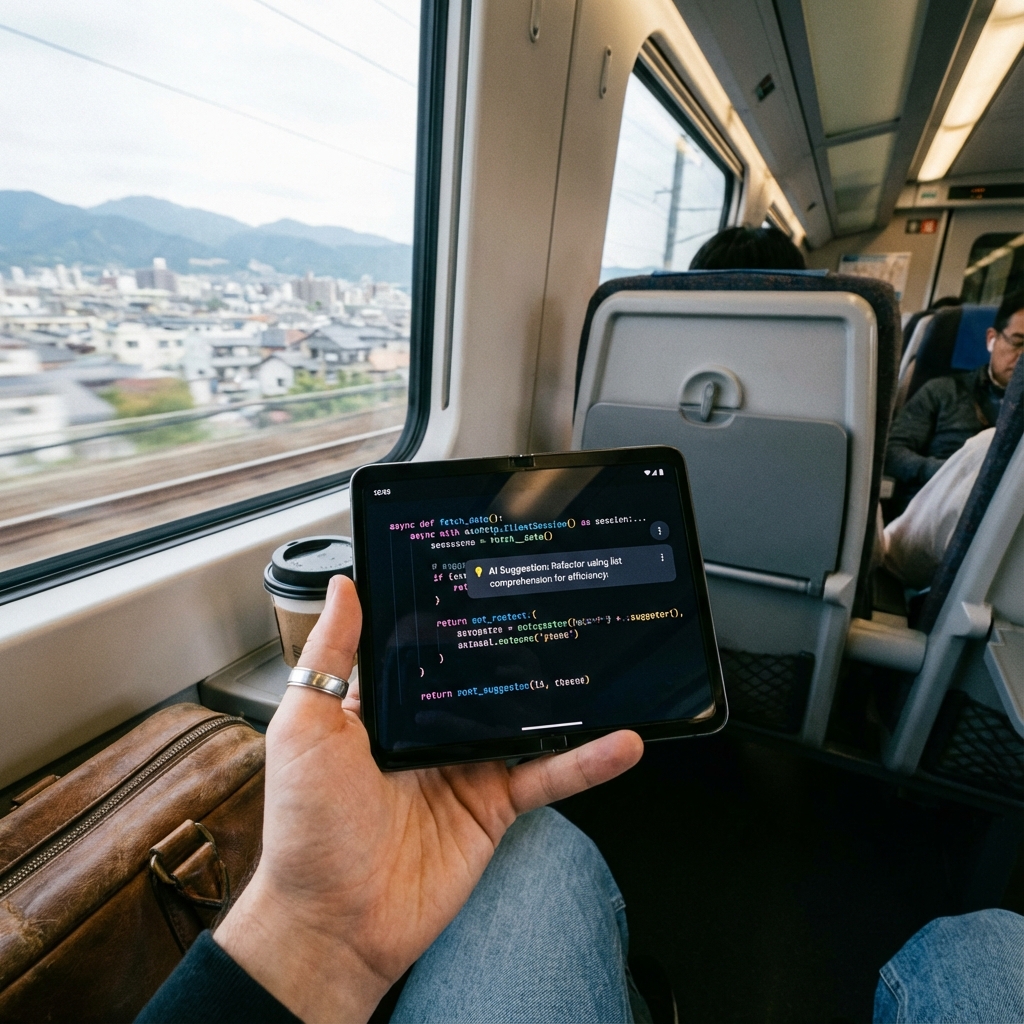
Beyond opening files, Simple Text Editor lets you chat with your documents, rewrite tone, extract action items, summarize, and check sentiment — all without leaving the app. Here's how the AI writing side of the editor actually works.
Most mobile text editors stop at letting you type. Simple Text Editor goes further with a set of AI writing tools built directly into the editing screen, so you can question, reshape, and clean up a document without exporting it to another app first.
Chat With Your Document
Instead of re-reading a long file to find one detail, AI Document Chat lets you ask questions directly about the text you have open — "what's the deadline mentioned here?" or "summarize the third paragraph" — and get an answer without scrolling or leaving the editor.
Rewriting Tone Without Rewriting From Scratch
The Tone Rewrite tool takes an existing paragraph and adjusts how it reads — more formal for a work email, more casual for a message to a friend — while keeping the original meaning intact. Paired with the Paraphrase tool, it's useful for reworking a sentence that reads awkwardly without starting over.
Summarizing Long Text and Reading the Room
Text Summarization condenses a long document, article, or set of notes into its key points. Sentiment Analysis goes a step further and flags the overall tone of a passage — useful for reviewing feedback, messages, or reports before you respond.
Pulling Action Items Out of Notes
The Action Item Extractor scans a document or meeting notes and pulls out the concrete to-dos, so you're not manually re-reading a page of notes to figure out what actually needs to happen next.
Grammar Checking and Translation
Grammar checking catches errors before you send or save a document, and built-in Language Translation lets you convert text between languages directly inside the editor — no separate translation app required.
Why It's Built Into the Editor, Not a Separate App
Every one of these tools operates on the file you already have open. There's no copy-pasting your text into a browser tab or a different AI app — you select the tool, it runs against the current document, and the result appears in the same screen you're editing in.
Works Alongside the Core Editor
None of these AI tools replace the fundamentals — find & replace, undo/redo, and read-only locking all still work exactly as expected. The AI tools are an additional layer on top of a text editor that already handles plain text and programming files reliably.
Getting Started
Install Simple Text Editor (SwiftWrite) from the Play Store, open any document, and try Document Chat or Tone Rewrite from the AI tools menu — no account required for basic editing, and AI features work over any active internet connection.
Simple Text Editor
AI document chat, tone rewriting, summarization, and translation — built into a lightweight Android text editor.
Frequently Asked Questions
Can I ask questions about a document instead of reading the whole thing?
Yes. AI Document Chat in Simple Text Editor lets you ask questions directly about the open document and get an answer without manually searching through the text.
Does Simple Text Editor require the internet for AI writing tools?
Yes, AI tools like Document Chat, Tone Rewrite, Summarization, and Translation need an internet connection. Core editing, saving, and file management work fully offline.
Can it extract to-dos from meeting notes automatically?
Yes. The Action Item Extractor scans a document and pulls out concrete action items, so you don't have to manually re-read notes to find what needs to happen next.