From Plain English to Working Code: AI Coding Tools in Simple Text Editor
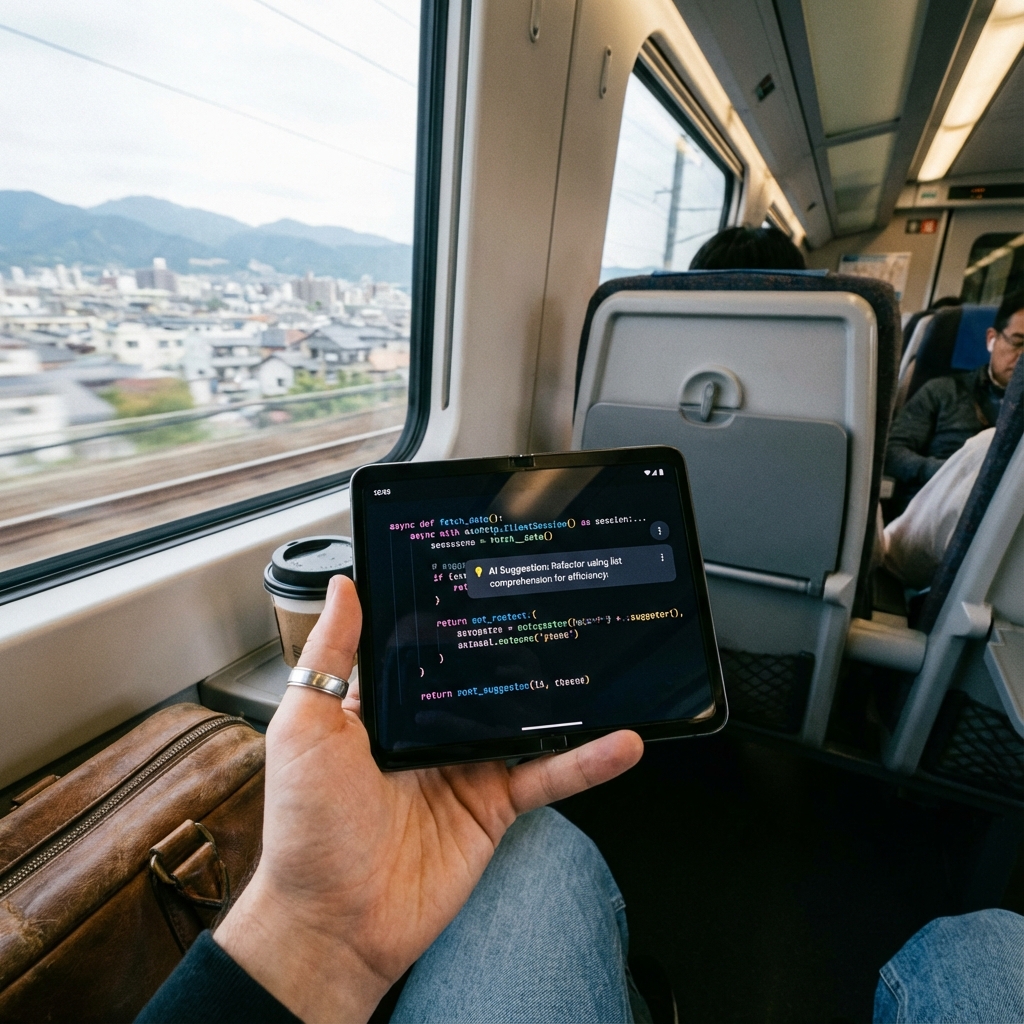
Simple Text Editor turns plain-English descriptions into working code, completes code as you type, compiles snippets on-device, and explains unfamiliar code line by line. Here's how the AI coding toolkit works.
Editing a code file on a phone is one problem. Writing or understanding code without a laptop is a harder one. Simple Text Editor's AI coding tools are built for exactly that gap — turning descriptions into code, explaining what's already there, and catching errors before they cause problems.
Describe It, Get Working Code
The Natural Language to Code tool takes a plain-English description — "a function that sorts a list of numbers" — and generates working code from it. It's aimed at quickly scaffolding a snippet or getting unstuck on syntax you don't remember, right from your phone.
Code Completion That Understands Context
As you type, AI Code Completion suggests the rest of a line or block based on the surrounding code, similar to what desktop IDEs offer — but built for a mobile keyboard where typing out full syntax is slower.
Compiling Without Leaving the App
The built-in Code Compiler lets you run a code snippet directly on your device to check that it actually works, instead of copying it elsewhere just to test one function.
Understanding Code You Didn't Write
Code Explain breaks down unfamiliar code line by line in plain language — useful when reviewing a pull request from your phone or picking up a script someone else wrote. Auto-Format Syntax cleans up indentation and structure so the file is readable before you even start editing it.
Catching JSON Errors Before They Break Something
The JSON Validator checks a file's structure and flags syntax errors — missing brackets, trailing commas, unescaped characters — the same class of mistakes that normally require a desktop tool to catch.
Built On Top of Real File Editing
All of this sits on top of the editor's core file handling: Simple Text Editor opens .java, .py, .json, .xml, and plain text files directly, with find & replace, undo/redo, and a read-only lock mode so you can review a file safely without risking an accidental edit.
Who This Is For
Developers reviewing code between meetings, students working through an assignment without a laptop nearby, and anyone who needs to understand, generate, or fix a small piece of code without setting up a full development environment.
Getting Started
Install Simple Text Editor (SwiftWrite) from the Play Store, open or create a code file, and try Natural Language to Code or Code Explain from the AI coding tools menu.
Simple Text Editor
Natural language to code, AI code completion, an on-device compiler, and JSON validation — built into a lightweight Android text editor.
Frequently Asked Questions
Can Simple Text Editor generate code from a plain English description?
Yes. The Natural Language to Code tool takes a plain-English description of what you want and generates working code from it, directly on Android.
Can I run or test code without a laptop?
Yes. The built-in Code Compiler lets you compile and run code snippets directly on your device to check that they work.
Does it validate JSON files for errors?
Yes. The JSON Validator checks a file's structure and flags syntax errors like missing brackets or trailing commas before they cause problems elsewhere.